

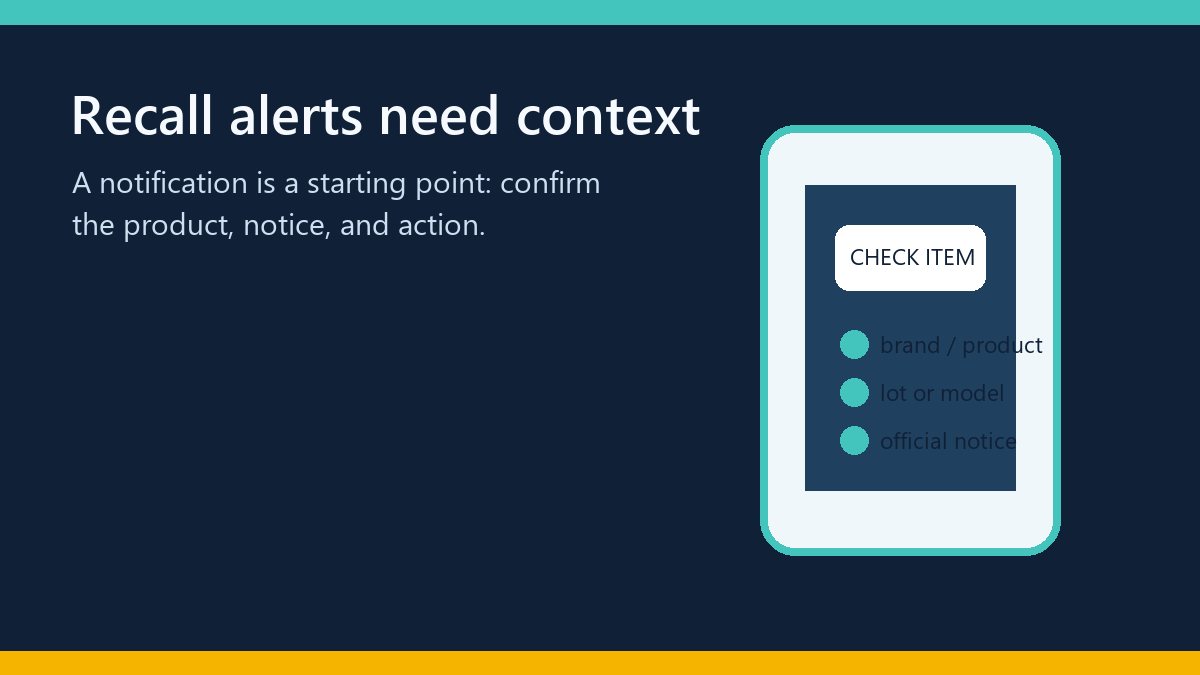
Recall alerts are most useful when they help a person make a careful decision at the moment it matters. A phone notification that says “something was recalled” is only a starting point. The reader still needs to know which product, model, lot, date, market, or vehicle identification number is covered, which agency issued the notice, and what action the notice actually recommends.
That makes recall-alert design a technical workflow problem as well as a content problem. A good workflow is transparent about its sources, limits and update timing. It does not promise that a barcode scan can identify every product or replace the official notice.
Start with a source and an identification path
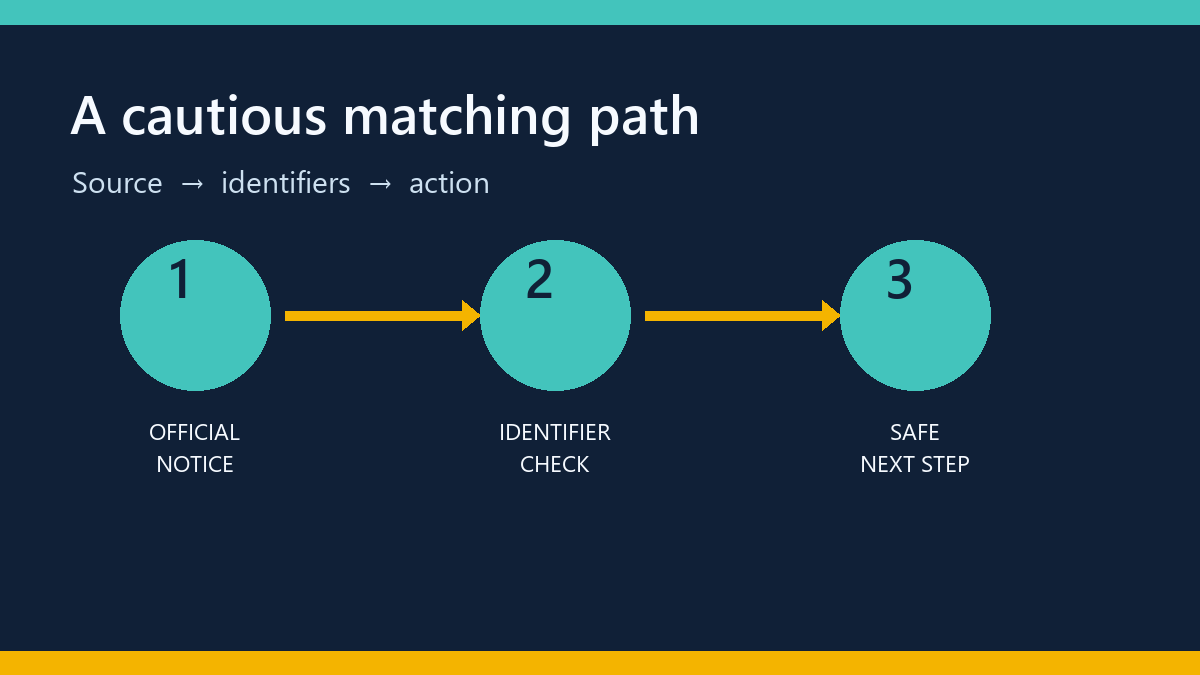
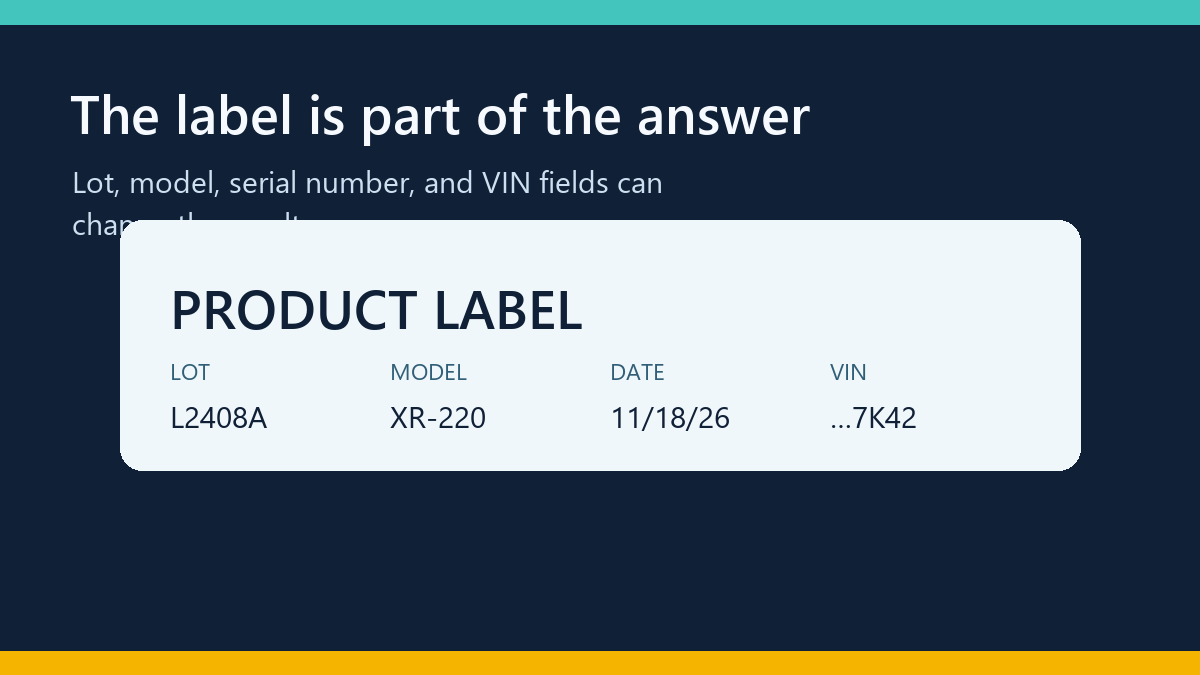
Before choosing an alert tool, ask how it connects a notice to the item in front of you. Food and household products often require a brand, product name, package size, lot code, best-by date or distribution area. A vehicle notice may require the VIN. A device or appliance notice may require a model and serial number.
The U.S. Consumer Product Safety Commission recall database, FDA recall and safety-alert pages, and NHTSA vehicle-recall lookup each publish different kinds of notices. A useful alert workflow should preserve the agency, notice date, affected identifiers and remedy rather than reducing the result to a generic “unsafe” label.
When you want a second interface for browsing multiple notice types, Recall Tracker’s workflow explanation describes how source records, search and alert features fit together. It also makes the important limitation clear: a search result is not proof that an unlisted item is safe.
Why a barcode is not a universal answer
Barcodes identify a trade item, but a recall can be narrower than the barcode. The notice may cover only certain lots, production dates, facilities, flavors, colors, model revisions, or countries. A package can also have a damaged label, a retailer-specific sticker, a multipack code, or a code that is not present in the notice.
For that reason, a responsible scanner should offer a path to manual confirmation. The person should be able to compare the official notice with the physical label and record the exact lot, model, serial number, or VIN. If the service cannot match those fields, it should say “check the notice” or “no matching record found,” not “safe.”
Evaluate freshness and update behavior
Recall data changes. New notices appear, corrections are issued, and companies sometimes expand or narrow a distribution list. Ask how often a service refreshes each source, whether the notice’s publication and update dates are visible, and what happens when a source is temporarily unavailable.
A practical workflow separates three states:
- Matched notice: the identifiers and jurisdiction line up with the official record.
- No matching notice found: the available data does not contain a match at the time of the search.
- Needs manual confirmation: the item or source data is incomplete, ambiguous, or outside the tool’s coverage.
That distinction is more useful than a confident green badge. It lets a technical team design alerts, logs and support messages that reflect uncertainty instead of hiding it.
Protect privacy when alerts contain sensitive identifiers
VINs, account details, shopping receipts and household inventories can be sensitive. Before entering them into a service, read its privacy explanation and check whether identifiers are stored, hashed, shared with vendors, or removed after a match. A workflow should request only the fields needed for the lookup and should not expose a full identifier in email subject lines or public links.
On the implementation side, use least-privilege access, encrypted transport, bounded retention and audit logs that redact personal data. A notification provider should be able to prove delivery without putting the original product or vehicle identifier into every log entry.
Use a human-readable fallback
People will encounter products that are not indexed, notices written for another country, and labels that are hard to photograph. A good system gives them a clear fallback: the official agency link, the fields to compare, the recommended safety action in the notice, and a way to report a possible missing or stale record.
Technical teams can make the fallback easier by keeping source links stable, showing the date checked, and linking to internal documentation. For example, a runbook can explain how an operator validates a notice before it becomes an alert, much like a support workflow documents a handoff before automation.
Test the failure cases before you trust the happy path
Run a small test set before connecting alerts to a customer-facing channel. Include one known match, one known non-match, a notice with several lots, a vehicle VIN outside the campaign, and an item whose source is temporarily unavailable. Confirm that the interface shows the source date and the same decision in the browser, API response, email, and audit log. Test a corrected notice too: the old result should not remain silently cached after the source update window. These cases reveal whether the workflow is resilient or merely polished when the data is complete.
A short evaluation checklist
- Which official agencies and jurisdictions does the workflow cover?
- Can a person inspect the original notice, date, identifiers and remedy?
- Does it distinguish “no match” from “safe”?
- What manual path exists for a lot, model, serial number or VIN?
- How are updates, corrections and source outages shown?
- Which identifiers are stored, for how long, and in which logs?
- Can the team test a notice from a known official source without sending a real alert to customers?
The best recall-alert workflow is a careful bridge between a changing public notice and a real decision. It gives people enough context to identify the item, keeps the source visible, and admits when the data cannot answer the question. Those properties are more durable than a promise of perfect barcode coverage.
For related technical planning, see TechSophist’s guides to source-aware retrieval workflows and support handoffs before automation.



0 Comments