

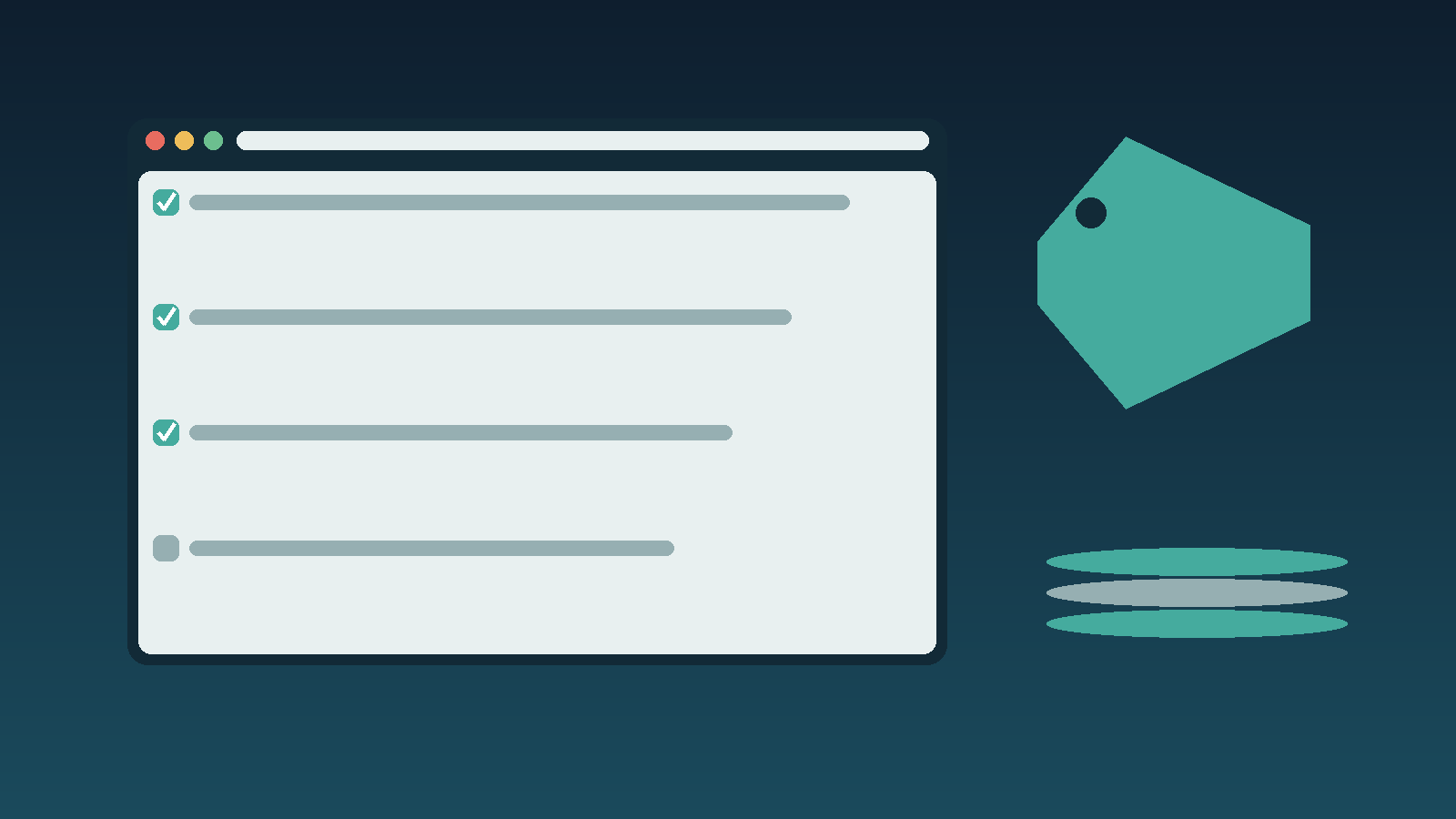
Most teams don’t switch business-software providers because they found a better tool. They switch because someone finally sat down and priced out what the current setup actually costs versus what it should cost. Google Workspace migrations follow the same pattern: the checklist matters more than the sales page.
This is a documentation-first checklist, the kind you’d hand to whoever owns the migration, not a pitch for any one provider.
1. Confirm what you’re actually paying today
Before comparing anything, pull the last three invoices for your current email and collaboration stack. Small teams routinely discover they’re paying for seats that left the company eight months ago, or for a storage tier they outgrew and upgraded twice without ever downgrading back down when usage dropped. You cannot evaluate a discount against a number you haven’t verified.

2. Separate the promo price from the renewal price
Workspace discount codes are usually first-term only. The number that matters for a documentation record isn’t the discounted first invoice, it’s the effective monthly rate averaged over the contract length you’re actually committing to. Write both numbers down before anyone signs anything.
Use the Google Workspace cost calculator to compare the selected plan at your current headcount and at the headcount you expect next year. Record the first-year estimate and the regular renewal cost separately. Treat the result as a budgeting estimate: confirm billing terms and any code eligibility at checkout, then add migration costs and overlapping subscriptions to your own worksheet.
3. Match paid accounts to your real headcount
Check the selected plan and billing terms against the people who need accounts. Record your current headcount, expected hires and unused subscriptions. Confirm any minimum purchase requirement in the specific offer or reseller contract instead of assuming that it applies to every Business plan.
4. Map the migration, not just the price
Email migration has failure modes that a pricing page never mentions: DNS propagation windows, calendar re-sharing, shared-drive permission loss, and the two or three people who will inevitably reply-all to the wrong address during the transition week. Budget a maintenance window and a rollback plan before the promo code expires, not after.
5. Verify the discount source is current
Promo codes for major SaaS platforms rotate and expire without much warning, and expired-code pages rank surprisingly well in search results long after they’ve stopped working. Before you build a migration plan around a specific discount, confirm the offer is still live rather than trusting a screenshot from three months ago. Digital Marketing Web Design keeps a current Google Workspace promo code page that’s a reasonable place to cross-check pricing and terms before you commit a migration date to it.
The actual decision
A discount is a reason to look, not a reason to switch. If the underlying plan doesn’t fit your seat count and workflow once the promo period ends, you’ve just moved the same cost problem to a different vendor. Document the full-term cost, the migration risk, and the seat-count fit before the checklist gets a checkmark next to “switch.”

0 Comments