
The first question in a Mac audiobook setup is not “Which app is best?” It is “Where did this book come from?” A title purchased through Apple Books, an MP3 collection downloaded from a public-domain archive, and an audio file copied from your own collection can have different playback and authorization requirements.
A source-first workflow prevents wasted setup. Record the source, preserve the original files where the source permits it, and test the actual behavior you need—offline listening, chapter navigation, progress, and library organization—before moving an entire collection into a player.
Make a source and rights inventory
Create a simple inventory with four fields: title, source, file or library type, and any known account requirement. Do not assume that two files with similar names have the same permissions. A familiar extension does not prove that a file is unprotected, and a successful import does not guarantee every chapter or playback control will work.
Apple documents how to download purchased and updated books or audiobooks in Books on Mac. It also notes that Audible purchases can require the computer to be authorized through Audible. Those conditions belong in the inventory because they determine whether a general-purpose local player is an appropriate test at all.
Keep receipts and source notes separate from the audio files. That makes it easier to distinguish a local backup from a licensed library item and avoids guessing later about where a title came from.
Define what “offline” needs to mean
Offline can mean several things: the title starts without a connection, every chapter remains available, progress is retained locally, or an account check is not required during a trip. Write down the exact scenario. A quick test at home with Wi-Fi disabled is more informative than a generic offline badge in an app listing.
Also decide which device must hold the accessible copy. A download inside a service library may satisfy Mac listening while remaining unavailable to a different player. A directly managed audio file may be portable but lack the library features you value. Neither route is automatically better; the correct test depends on the source and the expected use.
Preserve an original before reorganizing
For files you are allowed to manage directly, keep one untouched copy before renaming, retagging, or combining tracks. Work from a duplicate or a small sample folder. If a tool changes metadata badly or reorders tracks, the original remains available.
Use a predictable folder pattern such as author, title, and disc or part number. Preserve leading zeroes where track order depends on filenames. A plain text note can record unusual chapter order, narrator, edition, and source. This small runbook follows the same principle as resilient operational documentation: write down the repeatable steps and the rollback before applying them to the full library.
Test the native Apple path on its own terms
For titles in Apple Books, test the app first. Apple’s guide to listening to audiobooks in Books on Mac shows the library and player controls and explains that purchased audiobooks can appear across devices signed in to the same Apple Account. Progress syncing depends on the relevant iCloud setup, so verify it rather than assuming it is active.
Download one title through the documented route, disconnect from the network, and confirm that the expected chapter opens. Reconnect and check the same title on another device only if cross-device progress matters to you. This is a controlled test, not a promise that every source will behave the same way.
Use a format player for compatible local files
General-purpose players can be useful for local, compatible audio. VLC’s official feature list documents broad input and audio format support. That makes it a reasonable playback test for a DRM-free sample, but broad codec support is not the same as audiobook-specific library management.
Test the details that matter: Does the multi-file book play in order? Can you reach the next part without hunting through Finder? Does the app resume where expected after it closes? Are chapter markers visible? Is playback available after the network is disabled? Record the result for the exact sample rather than assuming the behavior applies to every title.
If you want a comparison centered on source and offline needs, HearLit’s Mac audiobook player guide separates Apple Books, local files, public-domain listening, and other common routes before discussing player choices.
Evaluate privacy and maintenance
A local player may still request analytics, network access, media-library permissions, or account sign-in. Review the permissions presented by macOS and the app’s own settings. Grant only what the workflow requires, and revisit the decision after an update that changes behavior.
Apply the same evidence-first comparison used when reviewing other software. TechSophist’s guide to comparing coding and productivity assistants emphasizes task fit, data handling, and a bounded sample. For audiobook players, replace the sample prompt with a sample book and keep the evaluation just as narrow.
A compact acceptance test
- Record the title’s source and any account or authorization requirement.
- Preserve the original or the service’s documented download path.
- Create a small test library rather than importing everything.
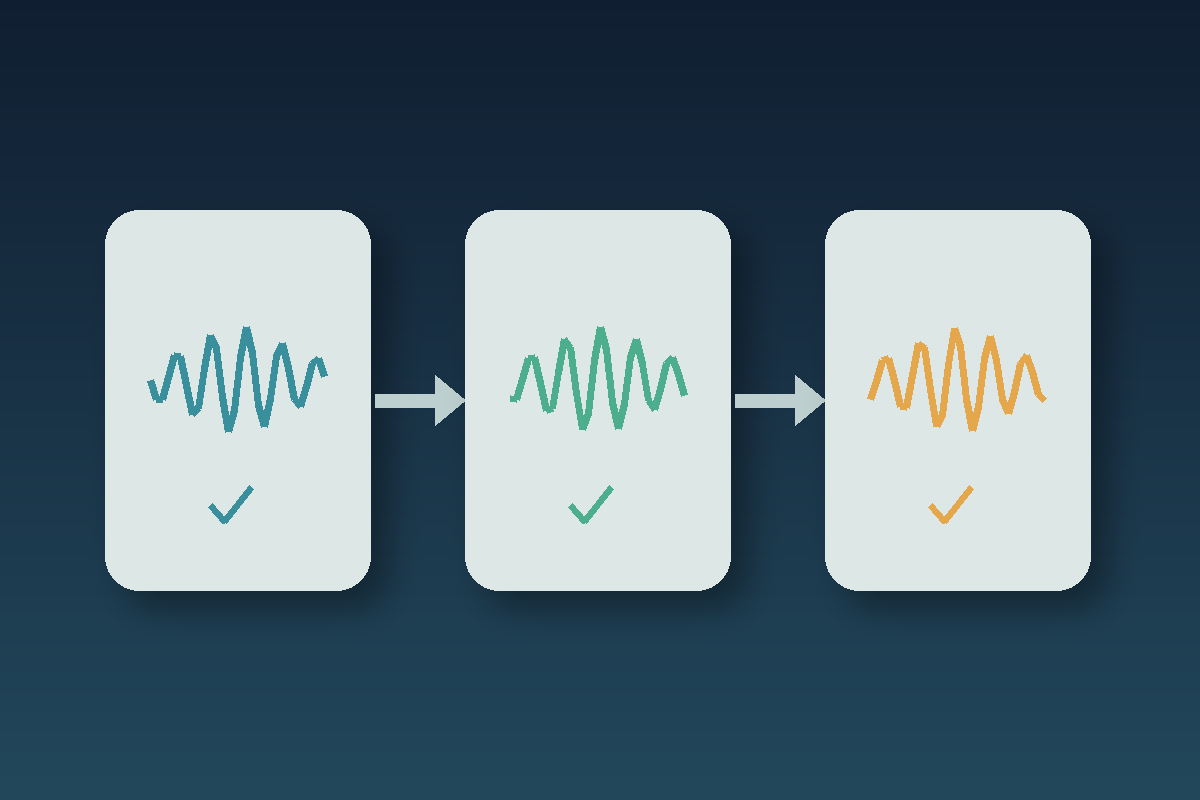
- Verify track order, chapters, resume behavior, and playback controls.
- Disable the network and test the offline case you expect to use.
- Review permissions and optional analytics settings.
- Document the successful steps and the way to remove the test library.
Choose the player last
A reliable Mac audiobook setup is a chain of evidence: known source, understood restrictions, preserved original, bounded sample, and verified playback. Once those facts are clear, choosing a player becomes a practical fit decision rather than a search for one app that claims to handle everything.
Keep the workflow modest. Test one title from each source, write down what worked, and expand only after the result is repeatable. That approach protects the library and makes future changes easier to reverse.
0 Comments